
menu
close
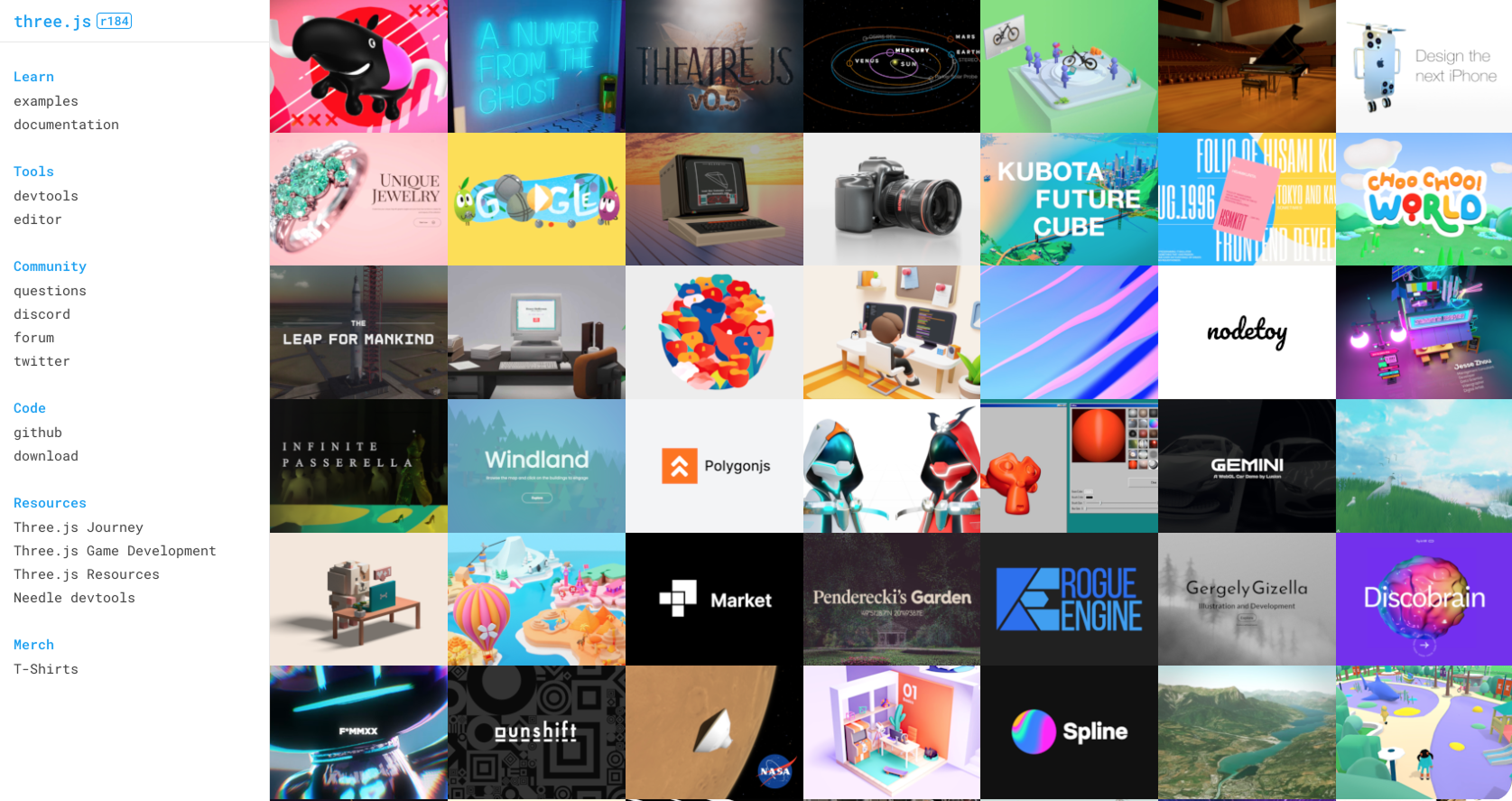
Ok… So like 6th months ago I could not tell you what a vertex shader was. Actually, I still can’t, not in a way that will impress an engineer. It doesn’t matter thought, now I can drop a rotating 3D product viewer into a prototype, animate a particle field behind a landing page here, and make a sphere ripple like water when a user hovers over it.
What changed? I stopped thinking of Three.js as something only engineers get to play with and started using it the way I use Figma. With vibe coding… Describing what I want in natural language and letting AI generate the implementation. The wall that separated designers and engg, I demolished it (adding some drama for fun).
Not just a tutorial. This is a case for WHY Three.js belongs in your design toolkit right now.
Every design tool we use (Figma, Framer, even CSS) shares a universal constraint, they live in 2D. We add the illusion of depth with shadows, blur, parallax, but don’t we want to give our users more? The web is becoming capable of 3D rendering without plug ins or installs.
The brands doing most of the interesting work right now are Apple, Lusion, and Awwwards. This is not a trend, it’s becoming an expectation.
Three.js has about 6 concepts you need to understand before you start prompting. Think of them like layers, once you know they hierarchy everything falls into place.
Thats really it. When you write a prompt, your describe these things in english and the AI translates it into JavaScript.
You need somewhere to run the code, I would not use a browser based playground. Instead use one of the 2 native editors that most designers are using to ship right now.

^^ Drag across the image
Prompt 01 — Hero background
Write complete HTML + JavaScript using Three.js (imported via CDN importmap) that creates a full-screen animated background. The scene should have hundreds of small particles drifting slowly upward, fading out near the top. The particles should be white on a very dark navy background (#050a14). When the user moves their mouse, the particles should gently drift toward the cursor. The canvas should sit behind any page content with z-index: -1. Include all code in a single HTML file I can open directly in a browser.
Prompt 02 — Interactive product sphere
Write complete HTML + JavaScript using Three.js (via CDN importmap) that renders a single metallic sphere in the center of the screen. The material should be physically based — shiny, slightly reflective, with a subtle gold tint. Add a soft directional light from the top-right and ambient fill. The sphere should rotate slowly on its own. When the user clicks and drags, they should be able to orbit around it freely. Place everything on a dark background. Single HTML file, no external assets, opens directly in a browser.
Prompt 03 — Morphing blob
Write complete HTML + JavaScript using Three.js (via CDN importmap) that renders an animated organic blob shape. Use a sphere geometry with high segment count and animate its vertices using a sine wave function based on time and position — the effect should look like a slowly breathing, living thing. The material should be translucent teal with some transparency and slight iridescence. Background is black. The blob should gently pulse. Single HTML file, opens directly in a browser.
Prompt 04 — Floating 3D text logo
Write complete HTML + JavaScript using Three.js (via CDN importmap) that renders the text “Studio” in 3D extruded letters floating in the center of the screen. Import a font using THREE.FontLoader from the Three.js CDN. The letters should have a clean white matte material. Add a slow, continuous rotation. A soft rim light from behind should create a halo effect. Dark background, cinematic feel. Entire scene should be responsive to window resizing. Single HTML file, opens directly in a browser.
Prompt 05 — Scroll-driven 3D scene
Write complete HTML + JavaScript using Three.js (via CDN importmap) that creates a scroll-driven 3D experience. As the user scrolls down the page, a geometric object — start with a wireframe icosahedron — should rotate, scale up, and change material from wireframe to solid as they progress. Use window.scrollY to drive the animation. Add a fixed canvas behind the page content, and dummy section divs to create scroll space. The transition should feel smooth and intentional, like a product reveal. Single HTML file, opens directly in a browser.
^^ Move image around
The designers who are going to stand out are not the ones who memorize Three.js.
They're the ones who develop a vocabulary for 3D space — who can describe a scene the way they describe a layout, and who understand enough about how light, materials, and geometry interact to direct the output intelligently.
Cursor and Claude Code give you leverage. The results are experiences that feel different from anything your competitors are showing. My thoughts, it’s not because the code is better, it’s because YOU had a better vision and tools to express it.
A sentence is the new design direction
Link to freebie: https://github.com/anastasiawalia/ThreeJSFreebie
Follow me on Medium and Substack
Please share screenshots of what you built!